



December 08, 2025
Imagine being three hours into a long five-hour journey to visit family for the holidays. Suddenly, your daughter asks, "Can I play Roblox on your laptop?" The work laptop — packed with sensitive client files, financial records, and vital business access. You're tired from packing, facing three hours more on the road, and tempting her request sounds like a convenient way to keep her busy. But is it safe?
The truth is, holiday travel introduces unique security risks absent from your everyday routine. With fatigue, distractions, unfamiliar WiFi networks, and the blend of family moments with quick work check-ins, your data's vulnerability spikes. Whether you're traveling for business, pleasure, or a bit of both, learn how to safeguard your information without dampening holiday spirit.
Pre-Trip Security Setup: Your 15-Minute Investment
Spend just 15 minutes before your trip to fortify your devices against risks:
Essential device steps:
- Ensure all security updates are fully installed
- Back up critical files securely to the cloud
- Set automatic screen locks to engage within two minutes
- Activate "Find My Device" on phones and laptops for recovery
- Charge your portable power bank for on-the-go use
- Pack your own charging cables and compatible adapters
Discuss family device boundaries:
- Clarify which devices are safe for kids to use and which are off-limits
- Set up a dedicated family tablet or secondary device for entertainment purposes
- Create a separate user account on your laptop if children need access
Expert tip: On road trips, consider bringing a tablet unlinked from your work accounts — a modest investment that can prevent costly data breaches.
Hotel WiFi Risks: How Most People Get It Wrong
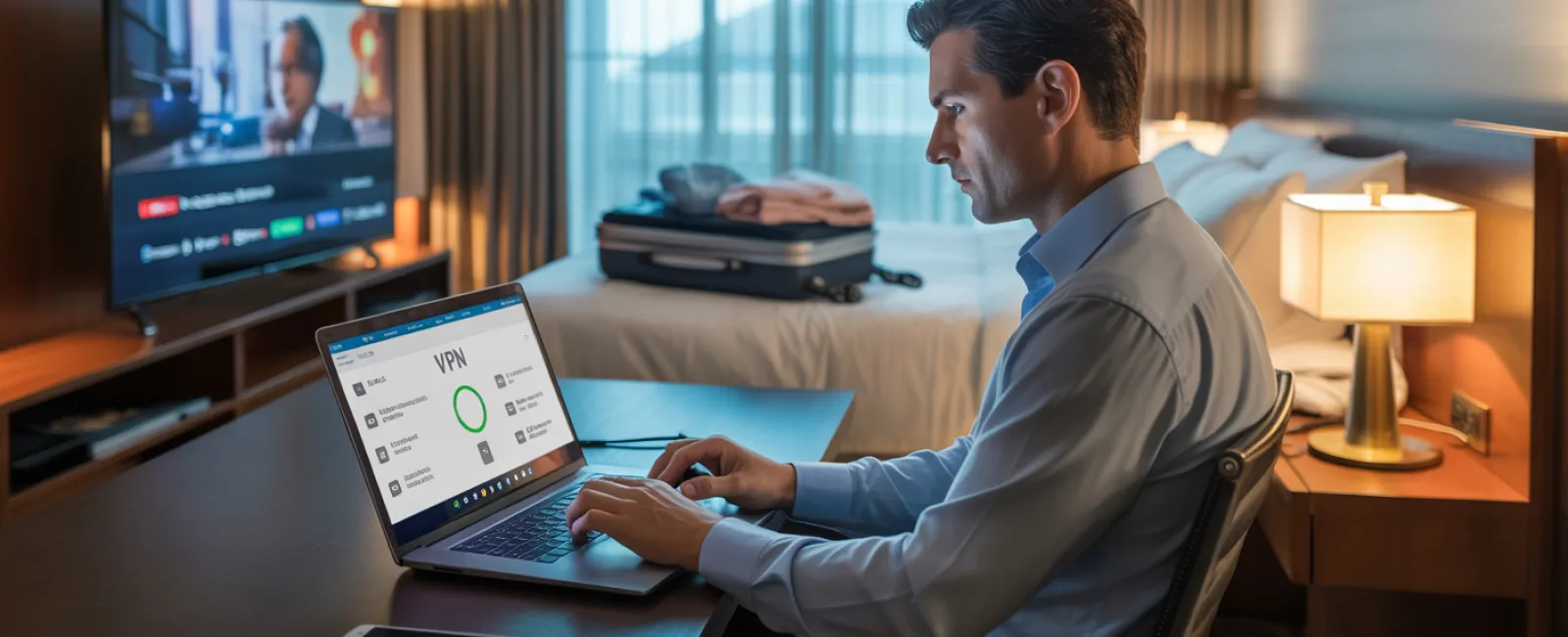
After checking into a hotel, everyone quickly connects to the free WiFi — phones, tablets, laptops, gaming devices. Your teenager streams Netflix, your partner catches up on emails, while you try to finalize an important work proposal.
Hotel networks, however, are shared by many guests, not all of whom have good intentions.
Real-life example: One family unknowingly connected to a fraudulent network mimicking the hotel's WiFi. For two days, every keystroke — passwords, credit cards, emails — was intercepted.
Keep your connection secure:
Confirm the network name — Always verify the official WiFi name with the front desk, never guess.
Employ a VPN for work access — When accessing emails or company files, a VPN encrypts your activity.
Use your phone's hotspot for sensitive transactions — Protect banking and confidential data by utilizing your mobile network instead of public WiFi.
Separate fun from business — Let kids stream on hotel WiFi but keep your work-related activities on a safer hotspot connection.
Handling "Can I Use Your Laptop?" Requests
Your work laptop holds the keys to your entire business — emails, financial accounts, client information, and systems. Meanwhile, kids want to watch videos, play games, or video chat.
Why this matters: Children inadvertently might download harmful files, click suspicious pop-ups, share passwords, or remain logged in — actions that, while innocent, jeopardize your security.
How to handle it safely:
Politely deny use of work devices — Clearly state, "This is my work computer; you can use [alternative device]." Consistency here is vital.
If sharing is unavoidable:
- Set up a restricted user account specifically for kids
- Supervise all activities closely
- Prohibit downloads entirely
- Never save passwords on the device for child users
- Clear browsing history after each session
Even better: Travel with a dedicated family device, such as an older tablet or laptop, that's not connected to your business systems.
Streaming on Hotel TVs: Avoiding Security Pitfalls
Your family wants to enjoy Netflix on the hotel's smart TV, so someone logs into your account. But you forget to log out before checkout.
The risk: The next guest gains access to your subscription and potentially attempts to use the same password elsewhere.
Simple fixes you can implement:
- Use your device to cast content to the TV — it's safer.
- Set phone reminders to log out of streaming accounts before departure.
- Better yet, download shows and movies to your own devices beforehand.
Never log into the following on hotel TVs:
- Banking or financial apps
- Work-related accounts
- Email
- Social media platforms
- Any account storing payment details
Lost Device? Immediate Response Guide
During the hustle of holiday travel, devices can easily get misplaced in airports, rental cars, restaurants, or hotels. If your device goes missing…
Take these steps within the first hour:
- Use "Find My Device" features to locate it promptly.
- If it can't be recovered quickly, remotely lock or disable it.
- Change passwords on critical accounts using another secure device.
- Contact your IT support or MSP to revoke business system access.
- Inform relevant parties if sensitive business data has been exposed.
Essential device safeguards before traveling:
- Enable remote tracking capabilities
- Use strong, unique passwords
- Activate automatic data encryption
- Ensure remote data wiping is possible
If a family member loses a device, follow these same protocols immediately.
Rental Car Bluetooth Data Risk
Connecting your phone to a rental car's Bluetooth for music or navigation can store sensitive details like contacts, call history, and message previews in the vehicle.
When you return the vehicle, this data often remains, accessible by the next driver.
Quick 30-second cleanup before returning the car:
- Remove your phone from the car's Bluetooth pairing list.
- Delete recent GPS destinations.
- Even better: Use a wired aux cable or avoid connecting at all.
Setting Boundaries on "Working Vacations"
You said it was family time, but you've checked e-mails dozens of times, taken calls, and spent hours on your laptop while others enjoy activities.
Besides creating family stress, juggling work and leisure reduces your security vigilance. Distraction and haste increase the risk of mistakes like clicking unsafe links or joining unsecure networks.
Take control: If unplugging completely isn't an option, set clear rules:
- Check work emails only twice a day at set intervals.
- Use your phone's secure hotspot for all work-related tasks.
- Perform work in private hotel rooms, not public settings.
- Be fully engaged with your family during non-work hours.
Ultimately, the best approach is to genuinely take a break. Your business will survive a week, and you'll return more alert to security threats.
Adopt the Right Holiday Travel Security Mindset
Reality check: Mixing work and family time on holiday is messy. Sometimes your child genuinely needs to use your laptop, or you have to handle urgent emails while on the road.
The objective isn't to achieve perfection but to intentionally manage risks by:
- Thoroughly prepping devices pre-trip
- Recognizing risky activities (like banking on hotel WiFi) versus safer options (using a personal hotspot)
- Separating work data and family entertainment whenever possible
- Having a clear plan for if something goes wrong
- Firmly enforcing device usage boundaries
Make Your Holiday Truly Memorable For the Right Reasons
The holiday season should focus on cherished moments with loved ones — not juggling data breaches or client trust issues.
With a little preparation and smart guidelines, you can safeguard your business while keeping the vacation joyful. Everyone wins: your family enjoys the holidays and your business stays protected.
Need expert help setting up secure travel protocols for your team and yourself? Click here or give us a call at (541) 726-7775 to book a free 15-Minute Discovery Call with us.We'll help you create practical policies that protect your business without making travel impossible.
After all, the best holiday memory shouldn't be "Remember when Dad's laptop was hacked?"


